Future value calculator for regular contributions
See how your savings could grow with regular deposits in the future value calculator.
How to enter a future value calculator scenario
In this future value calculator, enter the money you have now and the amount of each later deposit. I keep those two amounts separate before choosing a rate. A starting balance and a recurring contribution are different cash flows: the starting balance grows for the entire duration, while later deposits have less time. Here you choose both the compounding frequency and the contribution frequency, then see the projected balance, the cash you supplied and the modelled gain or loss.
Choose contribution periods separately from compounding
Enter the amount of each contribution, not the annual total unless you select one contribution per year. A monthly contribution of 100 means 12 contributions and 1,200 of new cash per whole year. Switching that frequency to quarterly keeps the entered amount at 100, so new annual contributions become 400. I compare annual cash totals before interpreting the difference between scenarios.
Compounding describes the nominal rate convention. Annual, half-yearly, quarterly, monthly and 365 equal periods are supported, along with continuous compounding. Contributions can occur once, twice, four, 12, 52 or 365 times per year. When the two frequencies differ, the tool derives an equivalent contribution-period growth rate. These are equal mathematical intervals, not business-day schedules, actual calendar months or a promise about when a bank credits interest.
If you have an effective annual yield, select annual compounding and enter that yield as the annual rate to reproduce its yearly growth factor in this model. Entering the same yield with monthly compounding would count compounding again. This equivalence assumes fixed rates and equal intervals; it does not reproduce a bank’s accrual rules.
| Selection | Periods m per year | Annual growth factor at nominal rate r |
|---|---|---|
| Annual | 1 | 1 + r |
| Half-yearly | 2 | (1 + r/2)^2 |
| Quarterly | 4 | (1 + r/4)^4 |
| Monthly | 12 | (1 + r/12)^12 |
| 365 equal periods | 365 | (1 + r/365)^365 |
| Continuous | Not a discrete m | exp(r) |
For the general formula, r is the entered percentage divided by 100, t is whole years, m is compounding periods per year and d is contributions per year. Let k = m × ln(1 + r/m), or k = r for continuous growth; N = d × t and g = exp(k/d). The end-payment factor is F = (exp(k×t) − 1) / (exp(k/d) − 1), with F = N at zero rate. Beginning timing multiplies F by g. Then FV = PV × exp(k×t) + P × F, where PV is the starting balance and P is each contribution.
Read beginning and end contributions correctly
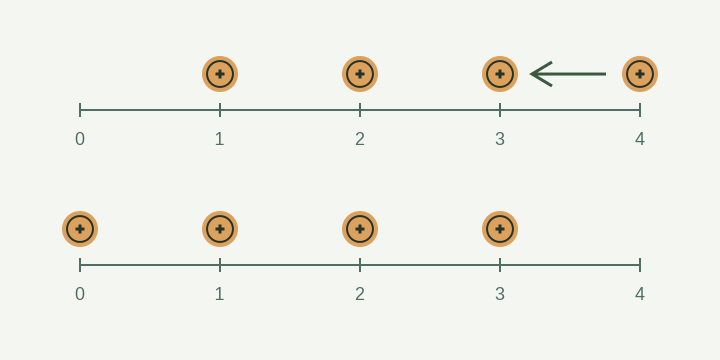
End timing places a deposit after growth in each contribution period. Beginning timing places it before that growth. The starting balance is present at time zero in both modes. With a positive rate, beginning deposits receive one extra contribution period of growth and give a larger result. With a negative rate, that extra interval produces more modelled loss instead. At a zero rate the two modes agree.
The first end deposit occurs after one complete contribution period; the final end deposit occurs at the end of the duration. Beginning timing moves those same deposits one period earlier. Neither choice adds a new deposit or removes the last one. The calculator supports zero through 1,000 whole years, so the number of contributions is contribution frequency multiplied by years. Partial periods and uneven amounts are not included.
Separate the total from the money you supplied
For an illustrative scenario, start with 10,000, add 100 monthly for 10 years, assume a 6% nominal annual rate compounded monthly, and place deposits at period ends. The monthly rate is 0.06 / 12 = 0.005 and there are 120 deposits. The principal grows to 10,000 × 1.005^120. The deposit part is 100 × (1.005^120 − 1) / 0.005. Together they give 34,581.90, rounded for a two-decimal currency.
You supplied 10,000 + 100 × 120 = 22,000. The difference, 12,581.90, is modelled gain under that constant-rate assumption. Beginning payments multiply only the contribution factor by 1.005, producing 34,663.84. Do not multiply the entire ending balance by that factor: the original principal already had the full duration.
Account for inflation without changing the nominal balance
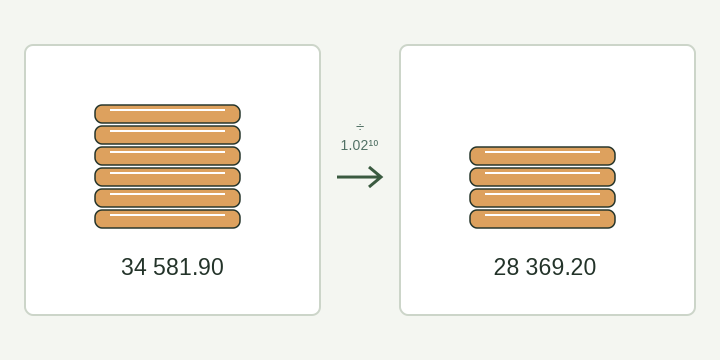
Inflation changes the purchasing-power comparison, not the credited nominal balance. The calculator divides the nominal ending amount by (1 + annual inflation)^years. With 2% assumed annual inflation, the illustrative 34,581.90 result corresponds to 28,369.20 in starting-period purchasing power. The calculation uses the unrounded nominal result before rounding the displayed real value.
The real-value line is separate from the nominal balance and contributed cash. It does not show a second account or subtract inflation as though it were a fee charged to the balance. Contributions remain fixed nominal amounts; the tool does not increase them with inflation. Negative inflation is also supported.
Work backward from a nominal target
The optional target asks what equal contribution would reach a chosen nominal amount under the same starting balance, duration, rate, frequency and timing. It replaces the recurring contribution for that separate calculation. It does not add an extra contribution to the scenario already displayed. Required contributions are rounded upward to the smallest displayed currency unit, so a two-decimal currency uses cents and JPY uses whole units. Choose Use this contribution to update the projected balance, chart and annual table with the required payment.
If the grown starting balance already reaches the target, the required recurring contribution is zero. If duration is zero and the target exceeds the starting balance, no contribution periods exist; the tool reports that the target cannot be reached in that duration. A target amount is nominal. Convert a purchasing-power goal into its future nominal equivalent separately before using this field.
The final row must match the total
The same model supplies the headline, chart and every annual row. Continuous compounding uses exponential growth for both the starting balance and the discrete contributions; it is not approximated with a nominal monthly rate. The annual table includes the initial balance and every whole year, including the last year of a long scenario. No 100-row cutoff hides a different ending value.
I check conservation within each row: start balance plus new contributions plus signed gain or loss equals end balance. The tool keeps full floating-point precision inside formulas and rounds only displayed values and export amounts. Finite numerical precision is still a software limitation. Invalid punctuation, blank required values, fractional years and unsupported magnitudes return errors instead of silently changing the input. Amounts are nonnegative up to 1,000,000,000,000; rate and inflation inputs span −99% to 999%. Those are software bounds, not recommended assumptions.
| Scenario | Expected future value |
|---|---|
| 10,000; 100 monthly; 6%; 10 years; monthly compounding; end | 34,581.90 |
| Same, beginning timing | 34,663.84 |
| Same end payments, continuous growth | 34,622.49 |
| 1,000; 100 monthly; zero rate; 5 years | 7,000.00 |
| 5,000; 200 monthly; 5%; 5 years; annual compounding; end | 19,944.16 |
| 1,000; 50 quarterly; −10%; 3 years; annual compounding; end | 1,250.23 |
Keep the assumptions with the result
Copy result includes the currency code, timing, rates, frequencies, target and limitations. Download annual CSV includes those assumptions and the complete annual table; decimal points in its numeric fields are deliberately independent of your display language. Currency selection changes formatting only and performs no exchange conversion. If clipboard access fails, a visible report lets you copy manually.
Nothing is saved automatically. Save stores one validated scenario on this device; Load fills its assumptions and asks you to calculate again; Forget removes that saved scenario. Private-mode storage failures do not stop the calculation. The website may contain advertising and analytics, while the financial input and result area is masked.
For more detail, read annuity payment timing, monthly deposits with different compounding periods and nominal versus real future value. The Investor.gov calculator treats the annual rate as your estimate; the Shri Ram College of Commerce finance notes explain equal-payment annuities.
Guides
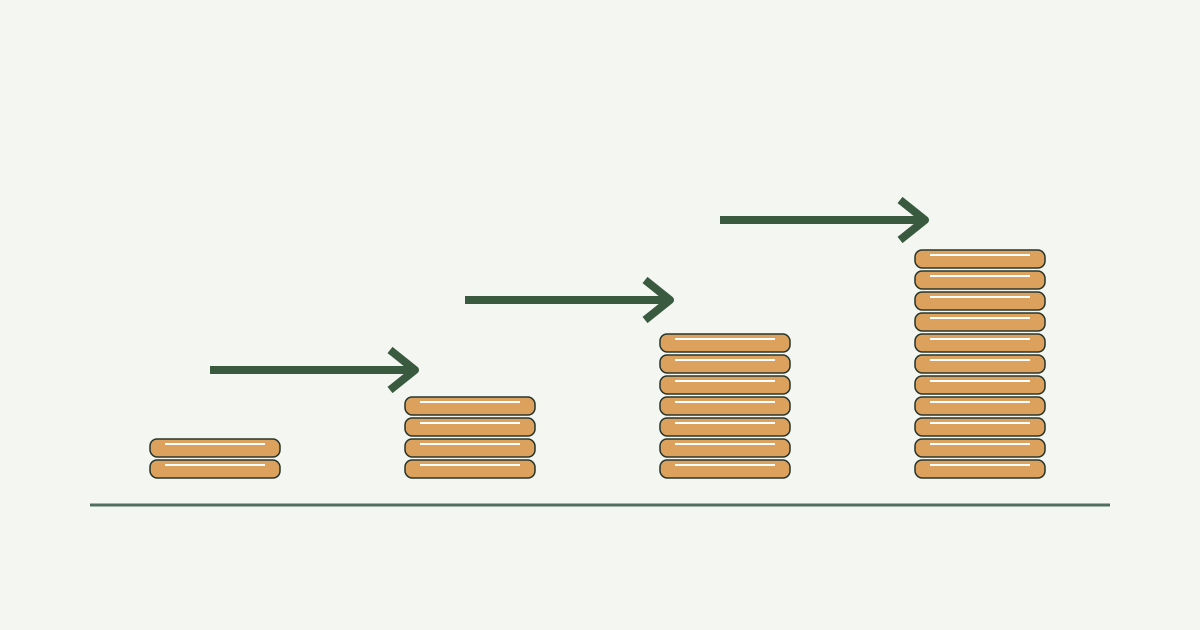 Future value of an annuity: end or beginning paymentsFollow equal payments through the periods and see exactly what changes when they arrive earlier.
 Monthly deposits and compounding: match the periodsMatch the annual cash budget, then convert the nominal rate into the right contribution-period factor.
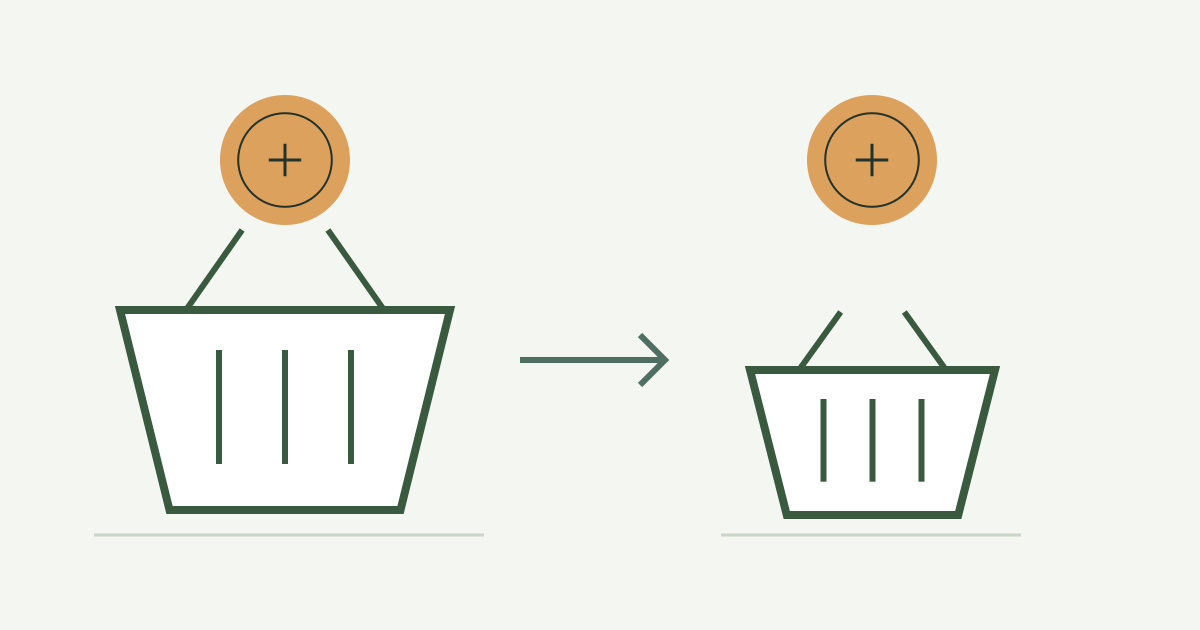 Future value after inflation: nominal and real amountsUnderstand what the real-value line means and why an inflation assumption does not change the nominal balance.
Quick answers
Does currency selection convert money?
No. It changes the displayed currency code and formatting only. Enter all amounts in the same currency.
Can contributions and compounding have different frequencies?
Yes. The calculator derives an equivalent growth rate per contribution interval and states that convention. Actual bank crediting rules may differ.
What happens at a zero rate?
The final nominal amount is starting balance plus every contribution. Beginning and end timing give the same value.
Does continuous compounding mean continuous deposits?
No. Growth is continuous, but the selected contributions remain equal discrete payments.
Is the projected balance guaranteed?
No. It assumes fixed rates and contributions and excludes fees, tax and market variability. It is general information, not financial advice.